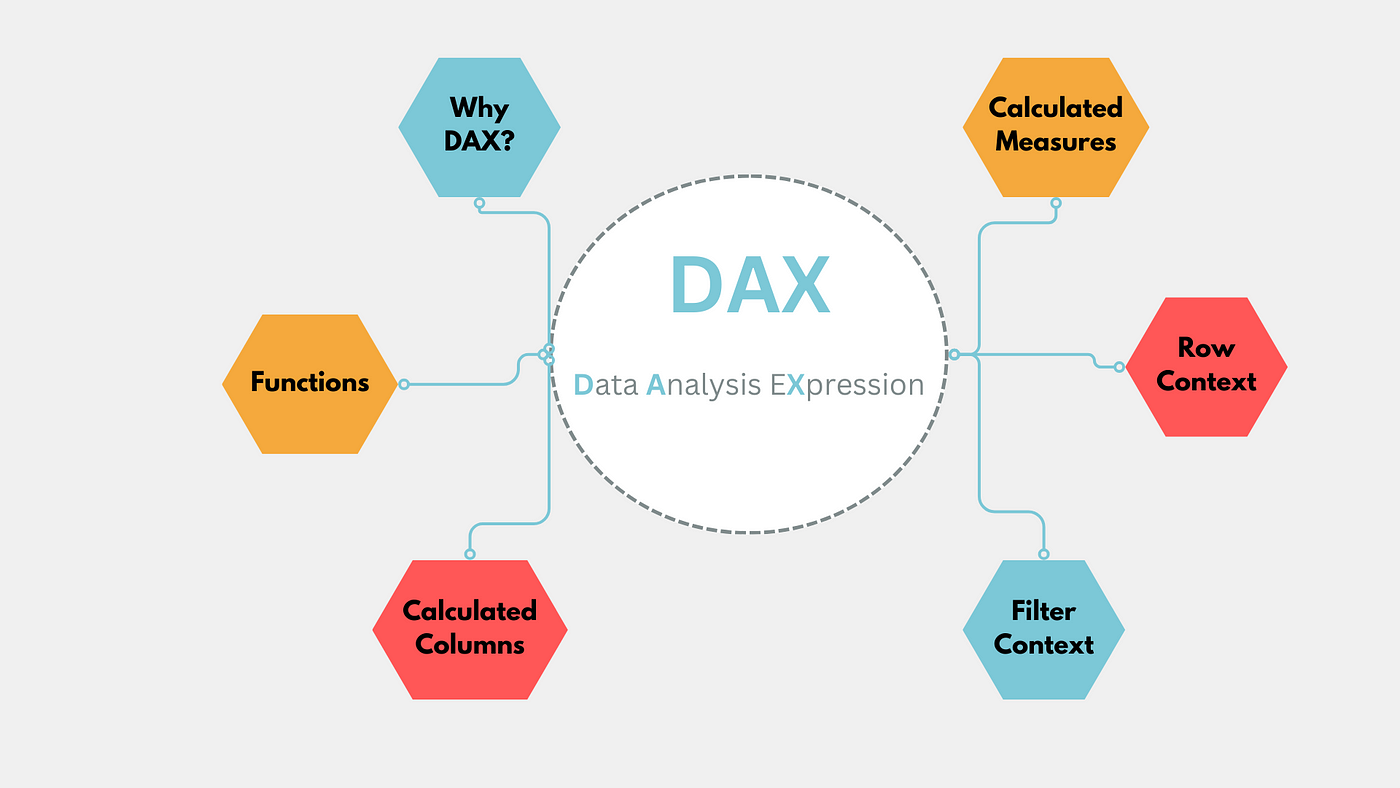
Power BI is a truly robust tool for data analysis, and its ability to handle complex calculations through Data Analysis Expressions (DAX) sets it apart from other analytics platforms. DAX is a formula language specifically designed for Power BI, enabling users to create custom calculations and measures to gain deeper insights from their data. Mastering DAX expressions is essential for creating dynamic, interactive, and insightful reports and dashboards.
For professionals aspiring to master data analytics, enrolling in a data analytics course in mumbai can provide the foundational knowledge along with hands-on experience needed to harness the power of DAX. This article delves into the significance of DAX expressions, their applications, and best practices for building advanced calculations in Power BI.
What Are DAX Expressions?
DAX (Data Analysis Expressions) is a collection of functions, operators, and constants used to perform advanced calculations and data analysis in Power BI. It is similar to Excel formulas but offers more capabilities, particularly for handling relational data and creating complex measures.
Key Features of DAX:
- Custom Calculations: Enables the creation of measures and calculated columns for specific needs.
- Time Intelligence: Provides functions for time-based calculations, such as year-to-date or month-over-month growth.
- Context Awareness: Adjusts calculations dynamically based on filters and slicers in the report.
- Relational Capabilities: Handles data across multiple tables using relationships.
Importance of DAX in Power BI
DAX is a cornerstone of Power BI, allowing users to go beyond basic reporting and unlock advanced analytical capabilities. Its importance includes:
- Dynamic Reporting: Create measures that adapt to user inputs and filters.
- Data Transformation: Perform complex data manipulations directly within Power BI.
- Performance Optimization: Efficiently calculate metrics without exporting data to external tools.
- Insightful Analysis: Generate actionable insights with precise and customizable metrics.
Key Applications of DAX Expressions
1. Calculated Columns
Calculated columns are used to add new data fields to a table. These fields are computed row-by-row and stored in the data model.
- Example: Creating a column for profit by subtracting cost from revenue.
- Impact: Enhances data with additional attributes for analysis.
2. Measures
Measures are dynamic calculations that are evaluated based on the report’s context. They do not add data to the model but provide real-time insights.
- Example: Calculating total sales with a measure like SUM(Sales[Amount]).
- Impact: Supports interactive and scalable analytics.
3. Time Intelligence
DAX includes functions for time-based calculations, such as comparing performance across periods.
- Example: Calculating year-to-date sales with TOTALYTD(SUM(Sales[Amount]), Date[Date]).
- Impact: Facilitates trend analysis and forecasting.

4. Filtering Data
DAX allows users to create calculations that filter data dynamically.
- Example: Computing total sales for a specific product category using CALCULATE(SUM(Sales[Amount]), Products[Category] = “Electronics”).
- Impact: Enables granular analysis.
5. Aggregations and Ratios
DAX simplifies complex aggregations and ratio calculations, such as percentages and averages.
- Example: Calculating profit margin with (SUM(Sales[Profit])/SUM(Sales[Revenue]))*100.
- Impact: Delivers precise metrics for decision-making.
Advanced DAX Techniques
1. Using Variables
Variables in DAX improve code readability and performance by storing intermediate results.
Example:
VAR TotalSales = SUM(Sales[Amount])
VAR TotalCost = SUM(Sales[Cost])
- RETURN TotalSales – TotalCost
- Impact: Simplifies complex calculations and enhances maintainability.
2. Iterative Functions
Functions like SUMX, AVERAGEX, and RANKX iterate over a table, performing calculations row by row.
- Example: Ranking products by sales using RANKX(ALL(Products), SUM(Sales[Amount])).
- Impact: Enables advanced analytics for specific use cases.
3. Context Transition
DAX operates in two contexts: row context and filter context. Understanding and manipulating these contexts is crucial for accurate calculations.
- Example: Using CALCULATE to modify filter context dynamically.
- Impact: Provides flexibility for complex scenarios.
4. Nested Calculations
Nested DAX functions allow for multi-step calculations within a single measure.
- Example: Combining IF and CALCULATE to compute conditional metrics.
- Impact: Supports intricate logic for specific needs.
Tools for Writing and Debugging DAX Expressions
1. Power BI Desktop
Power BI Desktop provides an intuitive interface for writing and testing DAX expressions directly in your reports.
- Use Case: Building measures and calculated columns interactively.
2. DAX Studio
DAX Studio is a specialized tool for debugging and optimizing DAX queries.
- Use Case: Analyzing performance and testing complex calculations.
3. Tabular Editor
This external tool allows for advanced management of DAX measures in Power BI models.
- Use Case: Bulk editing and organizing measures efficiently.
4. SQL Server Management Studio (SSMS)
SSMS supports running DAX queries against Power BI datasets for advanced analysis.
- Use Case: Validating results and exploring large datasets.
Best Practices for Building Advanced DAX Calculations
- Understand the Data Model: A well-designed data model ensures DAX expressions perform efficiently.
- Use Variables: Simplify calculations and improve readability with variables.
- Avoid Overloading: Minimize the number of calculated columns to reduce model size.
- Test Thoroughly: Validate results with sample datasets before deploying to production.
- Optimize Performance: Use DAX Studio to identify and resolve bottlenecks in calculations.
Challenges in Using DAX Expressions
1. Steep Learning Curve
DAX syntax can be complex for beginners.
- Solution: Enroll in a data analytics course in mumbai for structured learning.
2. Performance Issues
Inefficient DAX queries can slow down dashboards.
- Solution: Optimize measures and leverage variables.
3. Debugging Complexity
Identifying errors in nested calculations can be challenging.
- Solution: Use debugging tools like DAX Studio.
Why Learn DAX Through a data analytics course in mumbai?
A data analytics course in mumbai provides hands-on experience with DAX and Power BI, preparing professionals to excel in the analytics domain. Key benefits include:
- Comprehensive Curriculum: Covers foundational concepts and advanced techniques.
- Practical Projects: Offers real-world scenarios for applying DAX.
- Expert Guidance: Learn from various industry professionals with extensive experience.
- Career Support: Access placement assistance and networking opportunities.
Conclusion
DAX expressions are the backbone of Power BI’s advanced analytics capabilities. They enable data analysts to create dynamic, interactive, and impactful reports that drive decision-making. By mastering DAX through a data analyst course, professionals can unlock new opportunities and elevate their analytics expertise, ensuring they remain competitive in the rapidly evolving field of data analytics.
Business Name: ExcelR- Data Science, Data Analytics, Business Analyst Course Training Mumbai
Address: Unit no. 302, 03rd Floor, Ashok Premises, Old Nagardas Rd, Nicolas Wadi Rd, Mogra Village, Gundavali Gaothan, Andheri E, Mumbai, Maharashtra 400069, Phone: 09108238354, Email: enquiry@excelr.com.